AWS Lambda's new 30-minute timeout: how to increase it, limits and cost
Lambda's max timeout is now 30 minutes (90 on Managed Instances). How to raise it, which callers still cut off at 29-30 seconds, and what long runs cost.
Short answer: As of 19 November 2026, the maximum AWS Lambda timeout is 30 minutes (1,800 seconds) for standard, on-demand Event Functions, up from the 15-minute (900-second) cap that held for years. On Lambda Managed Instances, synchronous calls also get 30 minutes, and asynchronous and event source mapping calls keep their 90-minute limit. Nothing changes until you raise the timeout on a function yourself, and normal Lambda pricing applies.
The longer limit is live in all commercial AWS Regions. AWS says it's aimed at jobs that kept running into the 15-minute wall: AI inference, media transcoding and long financial calculations. Below we cover exactly which invocation types get what, how to change the setting, what a 30-minute run costs, and the catch that trips people up most: the caller usually gives up long before Lambda does.
What is the new AWS Lambda timeout limit?
AWS announced it in a What's New post on 19 November 2026. The Lambda quotas page now lists the function timeout as "1,800 seconds (30 minutes)". It adds that Lambda Managed Instances functions called asynchronously, or through any event source mapping except Amazon MQ and Amazon DocumentDB, can go up to 5,400 seconds (90 minutes).
Here's the full picture as of today:
| Where the function runs | How it's invoked | Old maximum | New maximum |
|---|---|---|---|
| On demand (standard Lambda) | Synchronous (e.g. Invoke, function URL, API Gateway) |
15 min | 30 min |
| On demand (standard Lambda) | Asynchronous (e.g. S3, SNS, EventBridge) | 15 min | 30 min |
| On demand (standard Lambda) | Event source mapping (e.g. SQS, Kinesis, DynamoDB Streams, Kafka) | 15 min | 30 min |
| Lambda Managed Instances | Synchronous | 15 min | 30 min |
| Lambda Managed Instances | Asynchronous | 90 min (since September 2026) | 90 min (unchanged) |
| Lambda Managed Instances | Event source mapping (except Amazon MQ, DocumentDB) | 90 min | 90 min (unchanged) |
Two other things didn't change. The default timeout for a new function is still 3 seconds. And memory still tops out at 10,240 MB, with CPU allocated in proportion to memory (one vCPU's worth at 1,769 MB), according to the Lambda quotas page.
AWS also says the 30-minute limit applies when you use Lambda durable functions or call a function from Step Functions Standard workflows. Durable functions can already run a whole workflow for up to a year by pausing and resuming. The new limit means each single step can now run for up to 30 minutes.
Do I need to do anything to get the 30-minute timeout?
Yes. Existing functions keep whatever timeout you gave them. If one is set to 900 seconds, it'll still stop at 15 minutes until you change it.
How to raise the Lambda timeout to 30 minutes:
- Console: open the function, go to Configuration → General configuration → Edit, set Timeout to anything up to 30 min 0 sec, and save.
- AWS CLI: run
update-function-configurationwith the new value in seconds (the example below sets the maximum). - AWS SAM / CloudFormation: set
Timeout: 1800on the function resource and deploy. - CDK or other infrastructure-as-code: set the timeout to 30 minutes in the function construct. If your tooling or a linter rejects values above 900 seconds, check whether it has been updated for the new limit.
The CLI form, adapted from the Lambda timeout docs:
aws lambda update-function-configuration \
  --function-name my-function \
  --timeout 1800
Before you raise it, AWS's docs flag one step for queue consumers: if the function reads from an Amazon SQS queue, increase the queue's visibility timeout first. If you don't, messages can become visible again while the first attempt is still working, and you'll process them twice.
Why does my Lambda still time out after 29 or 30 seconds?
This is the question we expect to see most this week. Lambda now lets a function run for 30 minutes, but the thing calling it may stop waiting much sooner. AWS's own table of response timeouts for synchronous callers spells it out:
| Caller (synchronous) | How long it waits for a response |
|---|---|
| Amazon API Gateway REST API | 29 seconds by default (integration timeout) |
| Amazon API Gateway HTTP API | 30 seconds maximum |
| Amazon Cognito user pool triggers | 5 seconds |
| AWS Step Functions | Until the function returns |
| Lambda function URLs | Until the function returns |
AWS also warns that when a caller gives up, your function keeps running until it returns or hits its own timeout, and you're billed for that time. So a 20-minute job behind an HTTP API will fail for the user after 30 seconds and still cost you 20 minutes of compute.
The same applies to your own tools. The AWS CLI's --cli-read-timeout defaults to 60 seconds, per the AWS CLI reference. A long synchronous aws lambda invoke needs a bigger value, or 0 to wait indefinitely. SDK clients have their own read timeouts too, so check yours.
The practical rule: if a user or client is waiting on the other end, put long work behind something asynchronous (an S3 trigger, an SQS queue, EventBridge or a Step Functions workflow) and return a job ID. If you want a direct synchronous call that lasts minutes, function URLs and Step Functions are the callers on AWS's list that wait until the function returns.
How much does a 30-minute Lambda run cost?
There's no surcharge for the longer timeout. AWS says "standard AWS Lambda pricing applies", so you pay per request plus per GB-second of duration. Using the Lambda pricing page rates for US East (N. Virginia), x86, first pricing tier ($0.20 per million requests and $0.0000166667 per GB-second), here's our own arithmetic for one invocation that runs the full 30 minutes:
| Memory | GB-seconds for 30 min | Duration cost per run (estimate) |
|---|---|---|
| 1,024 MB (1 GB) | 1,800 | ~$0.03 |
| 3,008 MB | ~5,288 | ~$0.088 |
| 10,240 MB (10 GB) | 18,000 | ~$0.30 |
These are estimates for illustration. Prices vary by Region, Arm (Graviton) functions are billed at a different rate, and volume tiers bring the per-GB-second price down at very high usage. The monthly free tier of 400,000 GB-seconds works out to about 222 full 30-minute runs at 1 GB. Our AWS Free Tier guide explains how that allowance works under the current plans.
The cost risk to watch isn't the price per second. It's runaway functions. A bug that used to be capped at 15 minutes can now burn twice as long on every invocation. If you raise the limit, set a CloudWatch alarm on the Duration metric and keep sensible concurrency limits.
Lambda 30 minutes vs Managed Instances, MicroVMs and Fargate: which should I use?
The longer timeout closes some of the gap with container services, but it doesn't make Lambda the answer for every long job. Here's how we'd decide, based on AWS's published limits:
| If your job… | Consider | Why |
|---|---|---|
| Finishes in under 30 min, with spiky or unpredictable traffic | Standard Lambda (on demand) | Now fits without splitting the work; scales to zero |
| Runs 30–90 min, triggered by a queue or async event, with steady traffic | Lambda Managed Instances | 90-minute async/ESM limit; runs on EC2 instances you choose, including GPUs (our guide) |
| Needs to run for hours as an isolated sandbox | Lambda MicroVMs | Up to 8 hours per MicroVM, per the quotas page (our explainer) |
| Is a multi-step workflow with waits, retries or human approval | Durable functions or Step Functions | Each step up to 30 min; the whole workflow can run far longer |
| Runs continuously, or needs more than 10 GB of memory | ECS/Fargate or EC2 | No per-invocation time limit |
Is the 30-minute Lambda timeout worth using?
For many teams, yes. It removes a lot of awkward workarounds. Before this, a 20-minute video transcode or a slow batch model inference had to be chopped into pieces, handed to Step Functions, or moved to Fargate. Now plenty of those jobs fit in one invocation, with the same deployment, logging and scaling you already use.
It's less useful where a person or an API client is waiting for the answer, because of the caller limits above. And it doesn't change Lambda's other limits: 6 MB synchronous payloads (or 200 MB streamed), 1 MB async payloads, and up to 10,240 MB of /tmp storage all stay as they were.
Editor's take
This is a small number change with big effects. The 15-minute ceiling was one of the most familiar "Lambda can't do that" rules in AWS, and a lot of architecture diagrams exist only because of it. Doubling it to 30 minutes won't make Lambda a batch platform, but it does pull a lot of medium-length jobs (AI inference calls, PDF and media processing, report generation) back into plain functions.
Our advice: don't bump every function to 1,800 seconds. Raise the timeout only on functions that have actually hit the old limit. Fix SQS visibility timeouts first, and remember that API Gateway still cuts users off at around 30 seconds. A timeout is a safety net as well as a ceiling, and a bigger net catches more expensive mistakes.
What are developers saying?
We tried to find community threads on Reddit and Hacker News that we could open and link, but neither site was reachable from our research tools at the time of writing. So we're not quoting anyone. Based on search suggestions, the questions people are asking most are: "lambda timeout max", "lambda timeout increase", "lambda timeout 90 minutes" and "lambda timeout 15 minutes". This article and the FAQ below answer all four.
FAQ
What is the maximum timeout for AWS Lambda?
30 minutes (1,800 seconds) for on-demand Event Functions, as of 19 November 2026. On Lambda Managed Instances, asynchronous and most event source mapping invocations can run for up to 90 minutes (5,400 seconds).
Can a Lambda function run longer than 15 minutes?
Yes. The 15-minute limit was raised to 30 minutes for all invocation types on on-demand Lambda. You have to raise the timeout on each function yourself.
How do I increase the Lambda timeout?
In the console, go to Configuration → General configuration → Edit → Timeout. With the CLI, run aws lambda update-function-configuration --function-name NAME --timeout 1800. In SAM or CloudFormation, set Timeout: 1800.
Is the Lambda timeout 90 minutes?
Only on Lambda Managed Instances, and only for asynchronous invocations and event source mappings (excluding Amazon MQ and Amazon DocumentDB). Standard on-demand functions max out at 30 minutes.
Why does API Gateway time out before my Lambda finishes?
API Gateway REST APIs wait 29 seconds by default and HTTP APIs wait at most 30 seconds, whatever your function's timeout. Your function keeps running, and you're billed, until it finishes or reaches its own timeout.
Does the 30-minute Lambda timeout cost extra?
No. Standard Lambda pricing applies. You pay for the duration your function actually runs, so longer runs cost proportionally more.
Is the 30-minute timeout available in every Region?
For on-demand Event Functions, AWS says it's available in all commercial AWS Regions. On Lambda Managed Instances, the 30-minute synchronous limit is available wherever Managed Instances is offered.
What is the default Lambda timeout?
Still 3 seconds for a new function. You can set any value from 1 to 1,800 seconds.
Also today on 9to5Amazon: Anthropic's first day as a public company, and what Amazon's stake is worth now.
Sources
- AWS What's New – AWS Lambda now supports a 30-minute timeout for on-demand Event Functions (19 November 2026)
- AWS Lambda Developer Guide – Lambda quotas
- AWS Lambda Developer Guide – Configure Lambda Event Function timeout
- AWS Lambda Developer Guide – Invoking Lambda with events from other AWS services (synchronous caller timeouts)
- AWS Lambda pricing
- AWS CLI Command Reference – global options
- AWS What's New – Lambda durable functions now support OpenTelemetry tracing (19 November 2026)
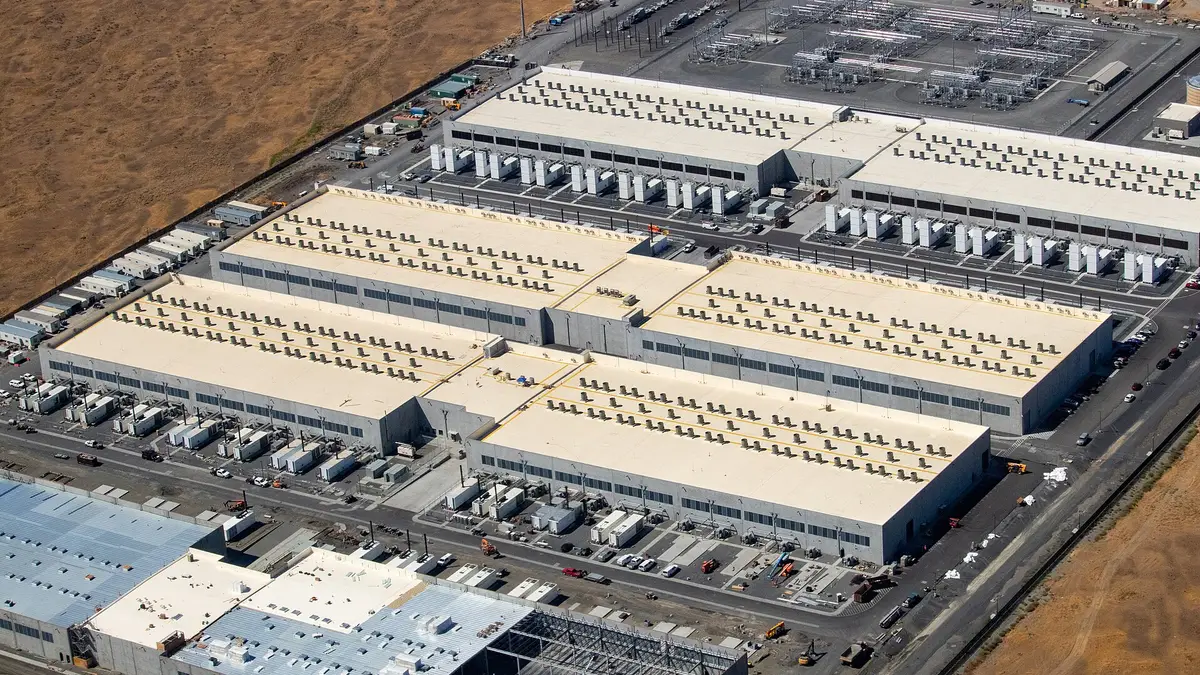
Featured image: Part of AWS's us-west-2 (Oregon) Region near Umatilla, Oregon, showing data center buildings. This is a general AWS data center photo, not one tied to the Lambda announcement. Photo: Tedder, CC BY-SA 4.0, via Wikimedia Commons. Source
